Home Wi-Fi
Fast, reliable Wi-Fi in every room of the house.
Video calls that freeze upstairs, a backyard with no signal, a TV that buffers. We find the real cause and build a network that covers the whole property.
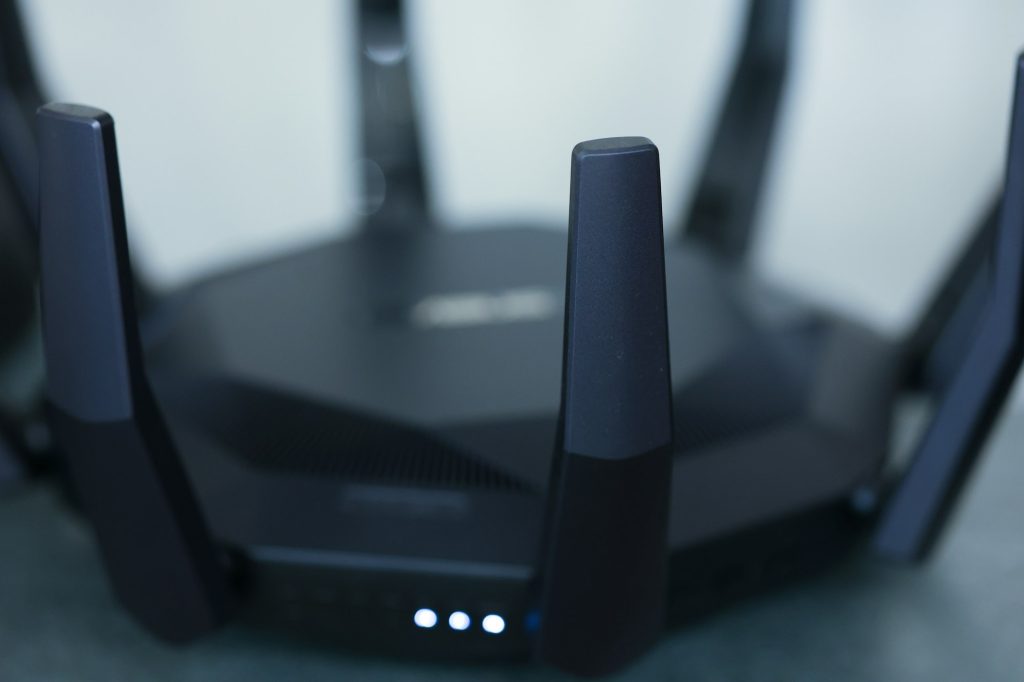
Sound familiar?
Problems we fix every week.
Dead zones
Bedrooms, basements or the garden with weak or no signal.
Slow speeds
Paying for fast internet but only getting a fraction of it.
Too many boxes
Extenders, old routers and cables everywhere.
What we install
The exact gear, and what it costs.
These are the products we recommend and install most. Hardware prices are typical Canadian retail; you can buy it yourself or we can supply it. Labour figures are averages from our past jobs across the Lower Mainland.

Ubiquiti UniFi U7 Pro
Wi-Fi 7 ceiling access point. One per floor in most homes; covers about 1,500 to 2,500 sq ft.
- Hardware (typical retail)
- $260 to $320 each
- Our install labour
- $250 to $350 each (includes the Ethernet run)
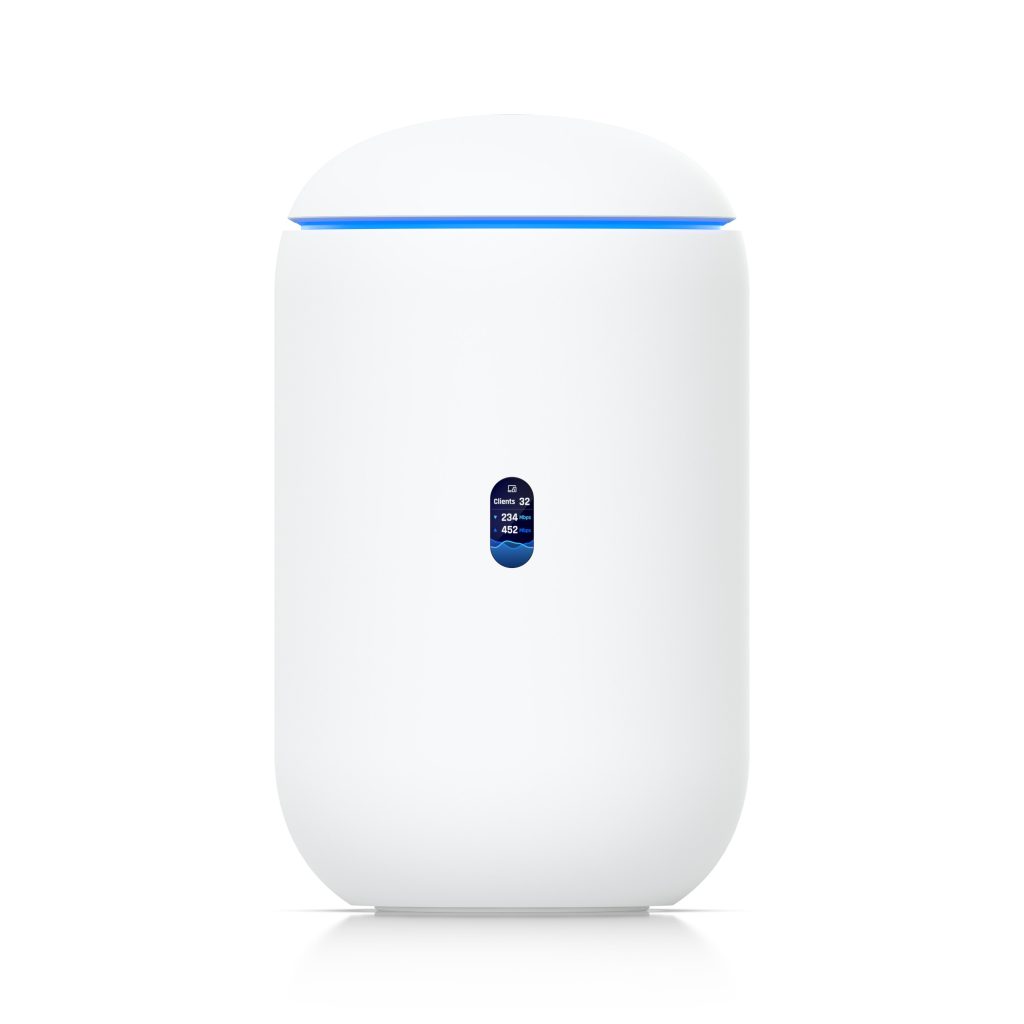
Ubiquiti UniFi Dream Router 7
All-in-one router, firewall and controller for the whole network. The brain of the system.
- Hardware (typical retail)
- $380 to $450
- Our install labour
- $200 to $300 setup
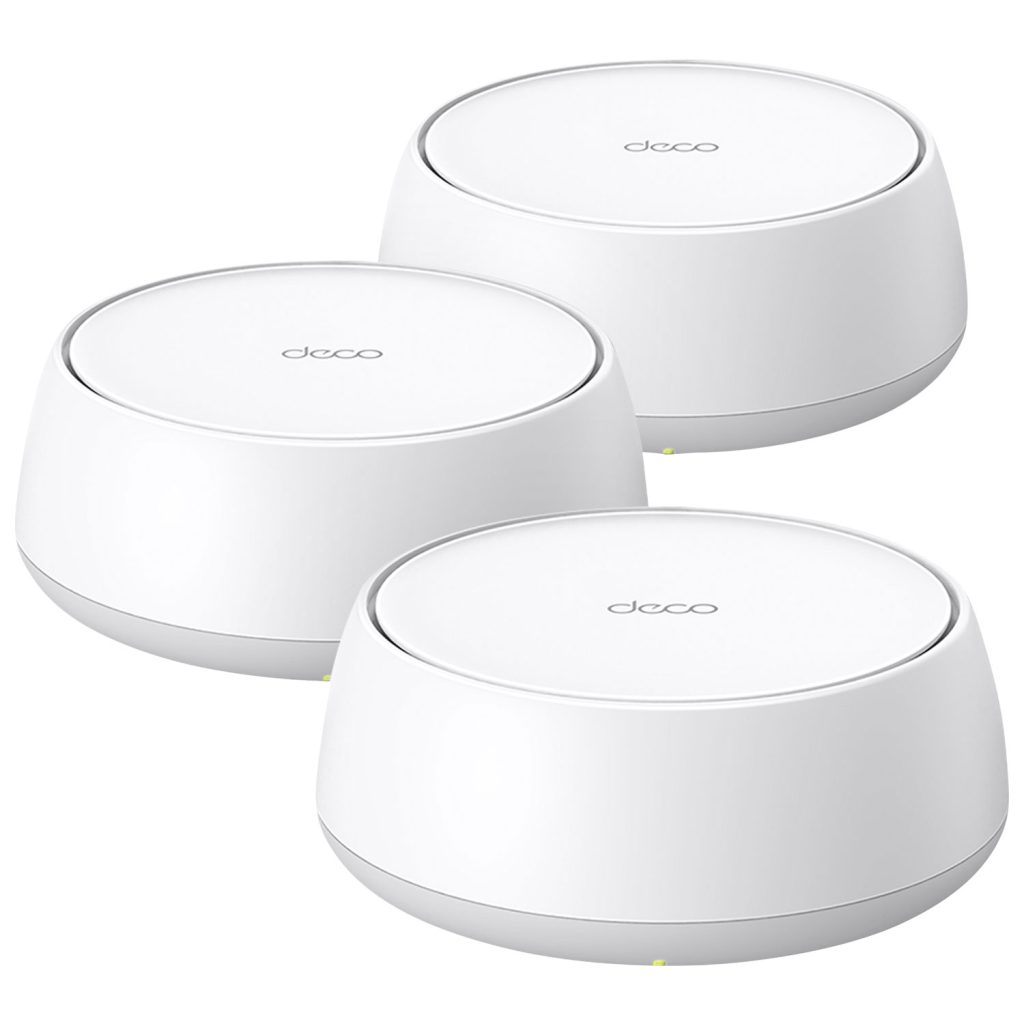
TP-Link Deco BE25 Wi-Fi 7 mesh (3-pack)
Plug-in mesh Wi-Fi 7. Good when running cable is not possible, such as strata condos.
- Hardware (typical retail)
- $350 to $450 for a 3-pack
- Our install labour
- $150 to $250 setup
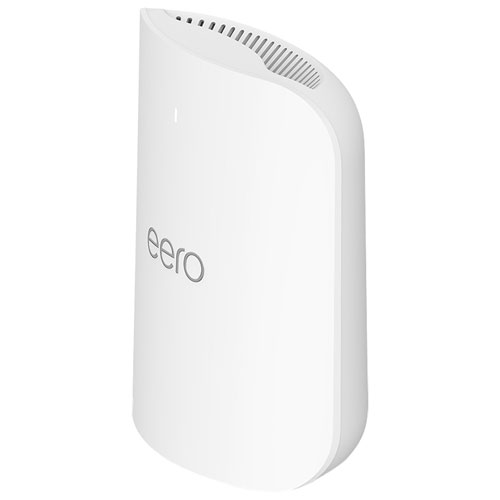
eero Pro 7 (mesh)
Simple app-managed mesh Wi-Fi 7, popular with families who want an easy app.
- Hardware (typical retail)
- $400 to $480 each
- Our install labour
- $150 to $250 setup
Typical cost by home
Home Wi-Fi & Networking: what most homes spend.
Typical all-in cost (hardware plus installation, before GST) based on similar Lower Mainland homes. Every job is quoted upfront after a quick look at your home.
What is included
Done properly, the first time.
- Whole-home Wi-Fi survey with a speed map
- Mesh or wired access points sized to your home
- Wired backhaul where it matters for rock-solid speed
- Separate guest and smart-device networks
- Parental controls and content filtering
- Every device reconnected and tested
How it works
Simple from start to finish.
Book
Tell us about your home and what is going wrong.
Plan
We confirm the fix, the gear and the cost upfront.
Install
A technician sets it up cleanly and tests every room.
Hand over
We show you how it works and leave notes on file.
Questions
What people ask us.
Do I need mesh Wi-Fi?
Most homes over about 2,000 sq ft, or with concrete, brick or multiple floors, do. We check before recommending anything.
Will you work with my internet provider?
Yes. We work with TELUS, Shaw/Rogers, Novus and others, and can put their modem into bridge mode so your own system runs the show.
Can you run Ethernet to my office or TV?
Yes. See Cabling & Wiring for in-wall runs.
Tech trouble? We will come to you.
Tell us what is going on. You will hear back from a real person, usually within a few business hours.