Home office
Work from home like it is the corner office.
Fast wired internet to your desk, docks and dual monitors, crystal-clear video calls, secure VPN and backups. Set up once, done right.

Sound familiar?
Problems we fix every week.
Cable spaghetti
Laptops, chargers and adapters all over the desk.
Choppy video calls
Freezing on Zoom or Teams at the worst moment.
Work data at home
Unsure if your setup meets your employer or client security rules.
What we install
The exact gear, and what it costs.
These are the products we recommend and install most. Hardware prices are typical Canadian retail; you can buy it yourself or we can supply it. Labour figures are averages from our past jobs across the Lower Mainland.
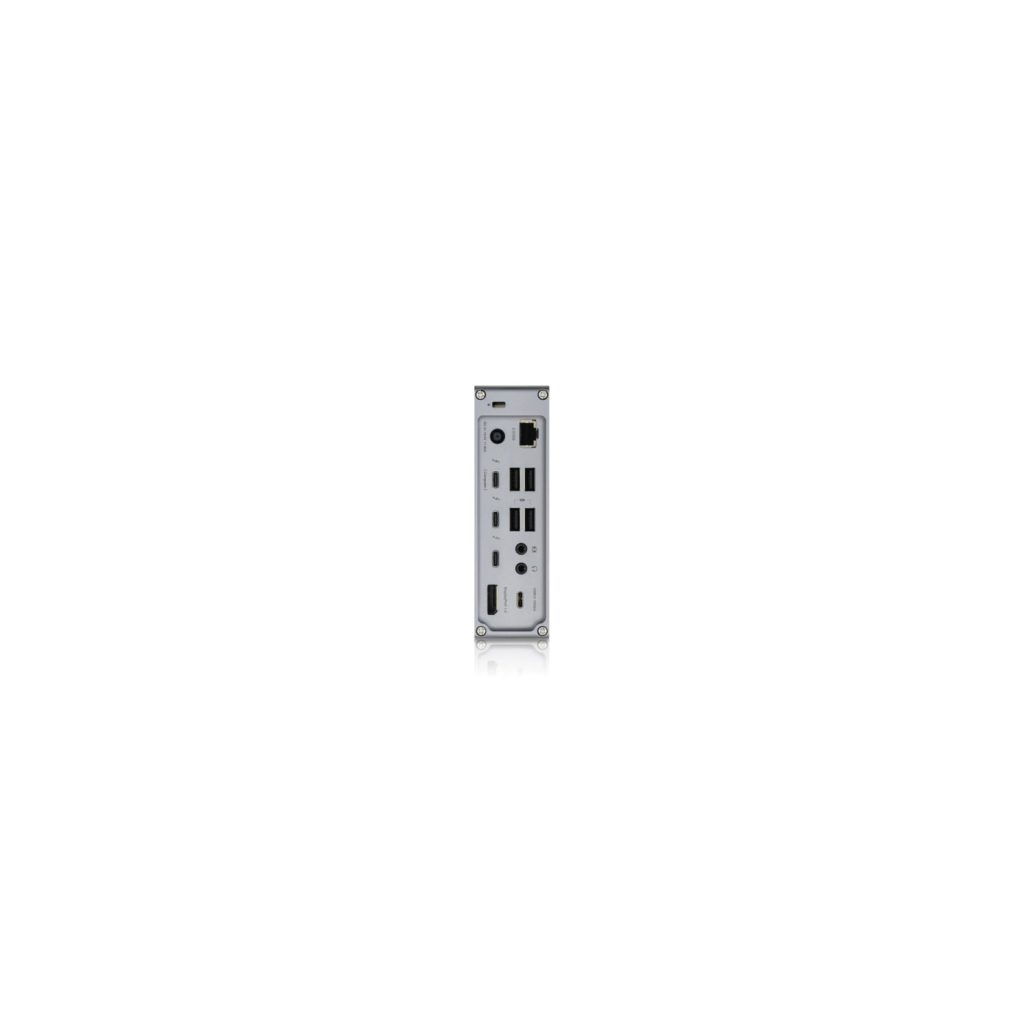
CalDigit TS4 dock
One cable for laptop power, dual monitors, Ethernet and USB.
- Hardware (typical retail)
- $450 to $550
- Our install labour
- $129 per hour
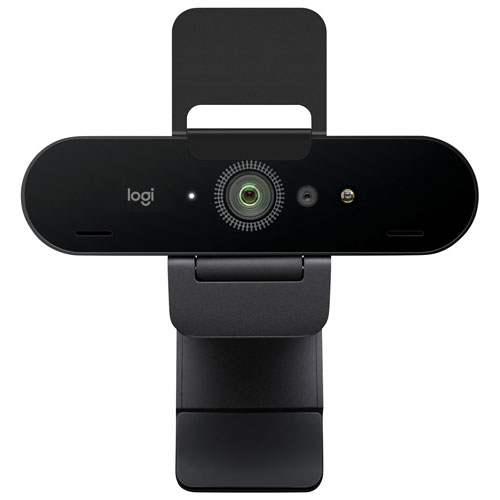
Logitech Brio 4K Pro webcam
4K webcam with auto light correction for clear video calls.
- Hardware (typical retail)
- $200 to $280
- Our install labour
- Included with setup

Ubiquiti UniFi U7 Lite
Small ceiling access point for a dedicated home office.
- Hardware (typical retail)
- $130 to $180
- Our install labour
- $250 to $350 (with cable run)
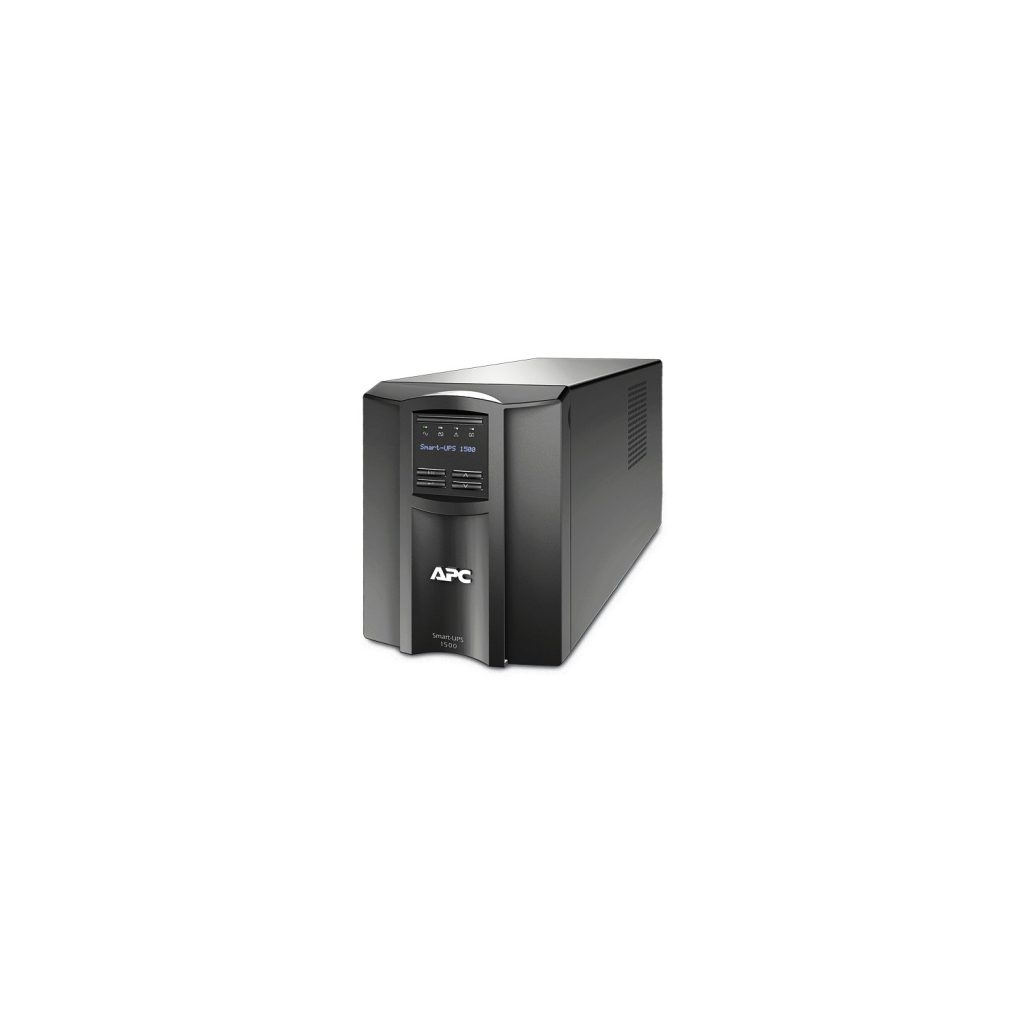
APC 1500VA UPS battery backup
Keeps your modem, router and computer running through short outages and shuts down safely.
- Hardware (typical retail)
- $250 to $700 by model
- Our install labour
- Included with setup
Typical cost by home
Home Office Setup: what most homes spend.
Typical all-in cost (hardware plus installation, before GST) based on similar Lower Mainland homes. Every job is quoted upfront after a quick look at your home.
What is included
Done properly, the first time.
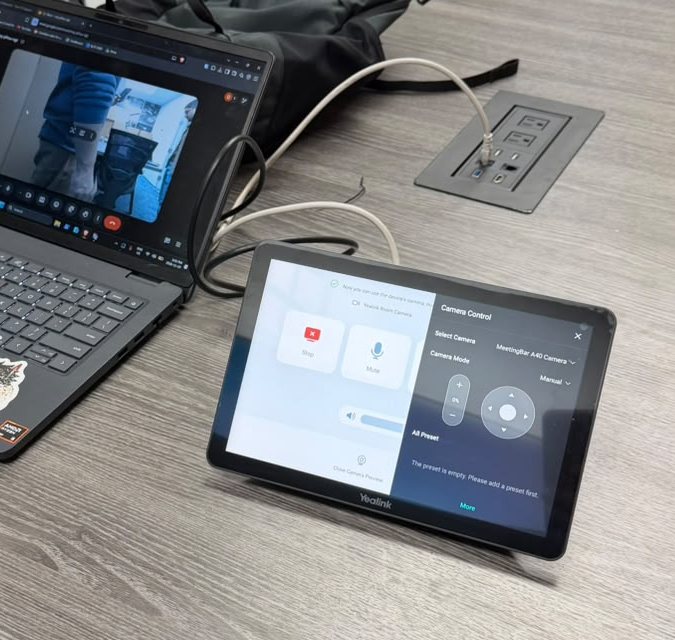
- Ethernet to your desk or a dedicated access point
- Docking station and monitor setup for Mac or Windows
- Webcam, microphone and lighting for clear calls
- Printer and scanner setup
- VPN, backups and security for client data
- Clean cable management
How it works
Simple from start to finish.
Book
Tell us about your home and what is going wrong.
Plan
We confirm the fix, the gear and the cost upfront.
Install
A technician sets it up cleanly and tests every room.
Hand over
We show you how it works and leave notes on file.
Questions
What people ask us.
Can you wire my office?
Yes. We can run Ethernet from your router to the desk, usually in a few hours.
Will it work with my work laptop?
Yes. We work alongside your employer IT rules and do not change managed settings.
Do you supply monitors and docks?
We can recommend and supply them, or set up what you already have.
Tech trouble? We will come to you.
Tell us what is going on. You will hear back from a real person, usually within a few business hours.